

This is a how to guide on removing the standard Ford Ka MK2 stereo in a 2008 + Ford Ka. You may be doing this to fit a hands free kit or the likes. Your stereo should look like the stereo below
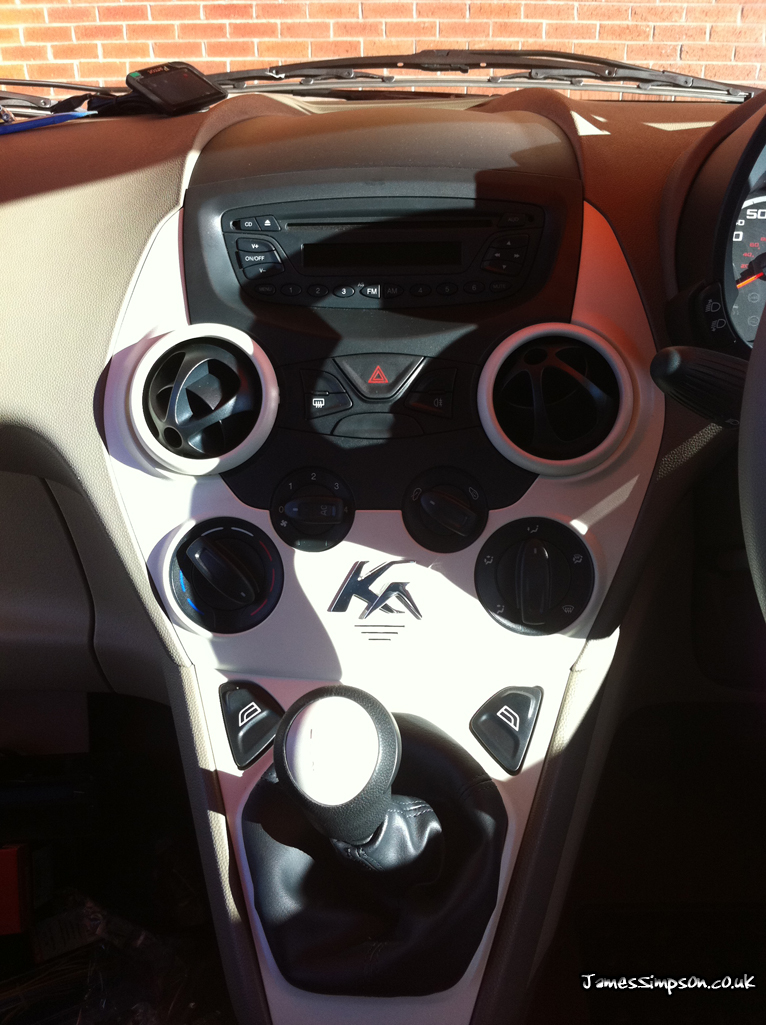
Recommended Tools*
- Bojo Tools (http://bojotoolseurope.net)
- Flat Head + Philips Head Screw Drivers (Halfords)
- Mini Socket Set (Halfords)
*Note above are general tools you should have when doing this type of job, but you may not need them, see tutorial for exact tools needed
Steps
1.
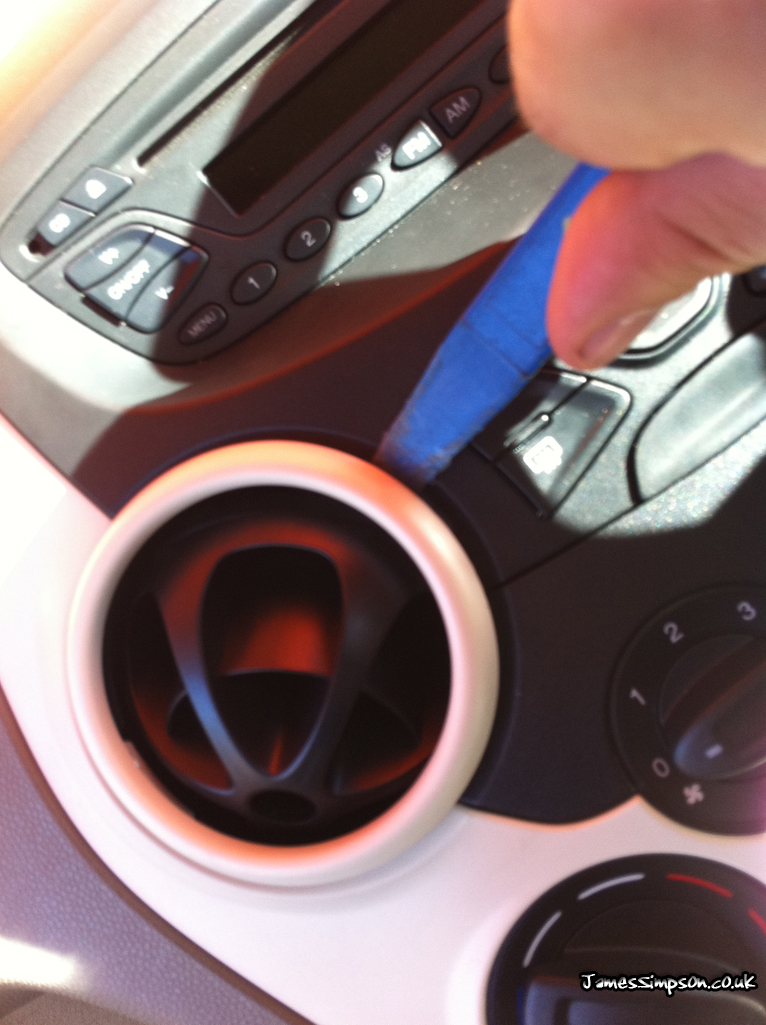
Using your Bojo tool (or similar plastic tool) remove the vent surrounds (these are just help in by little clips)
2.
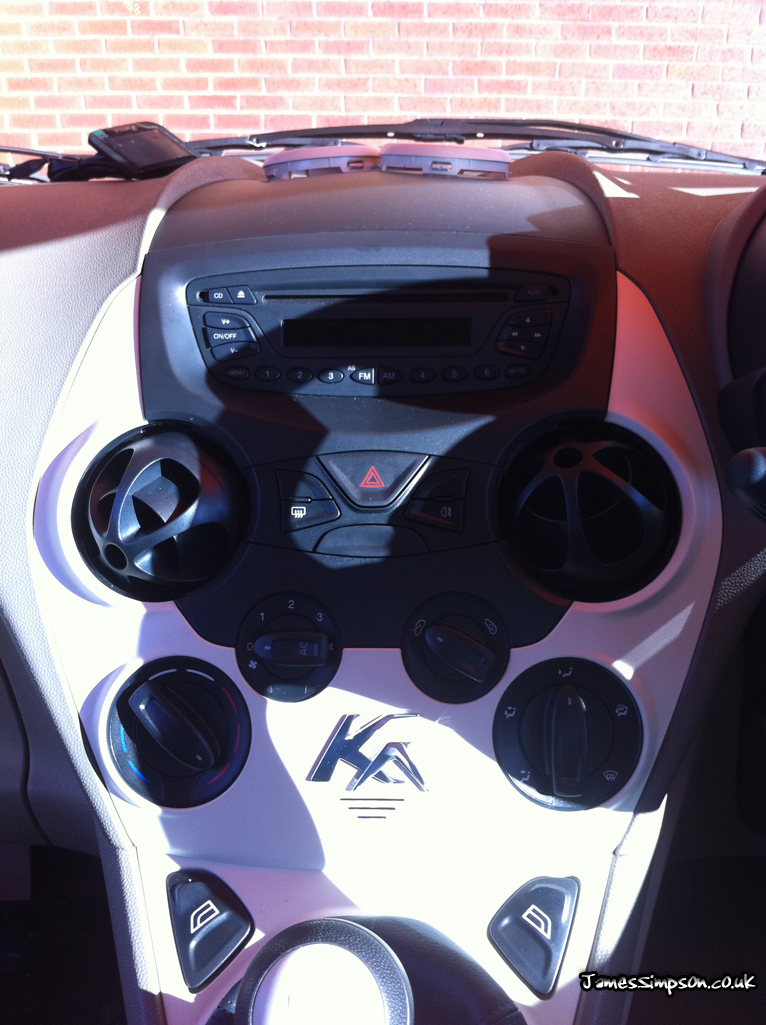
You should have now removed both vent surrounds (Drivers & Passenger Sides)
3.
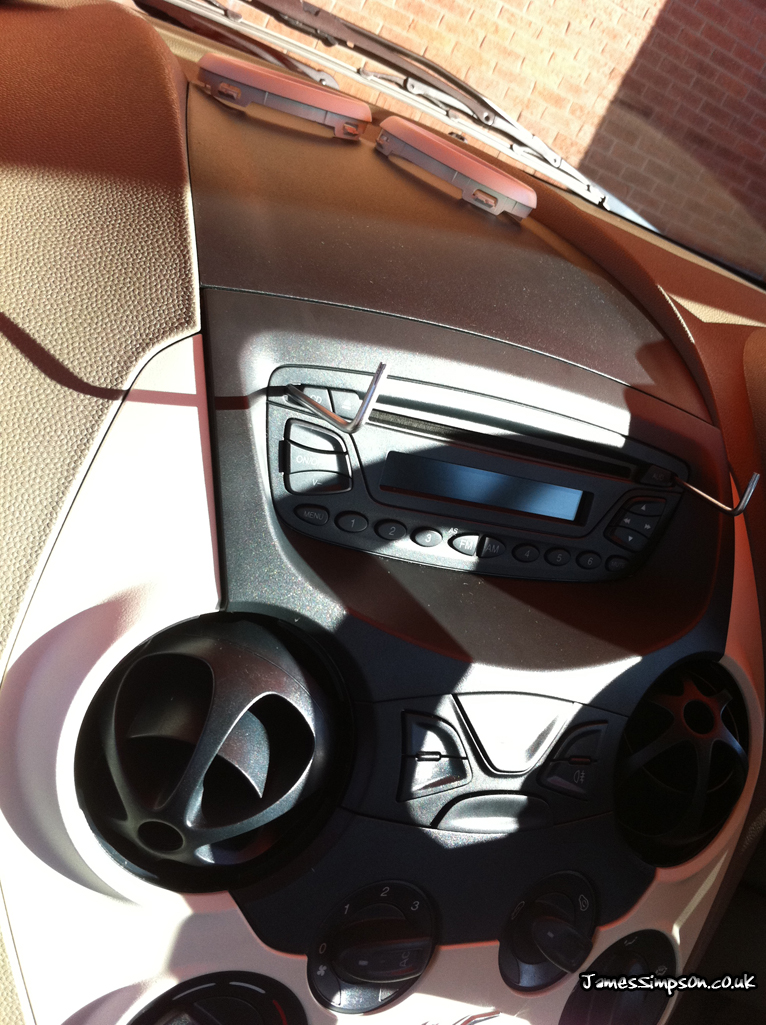
Now find two Allen keys or small screw drivers that fit into the holes on the stereo to release the pins holding the stereo in position
4.
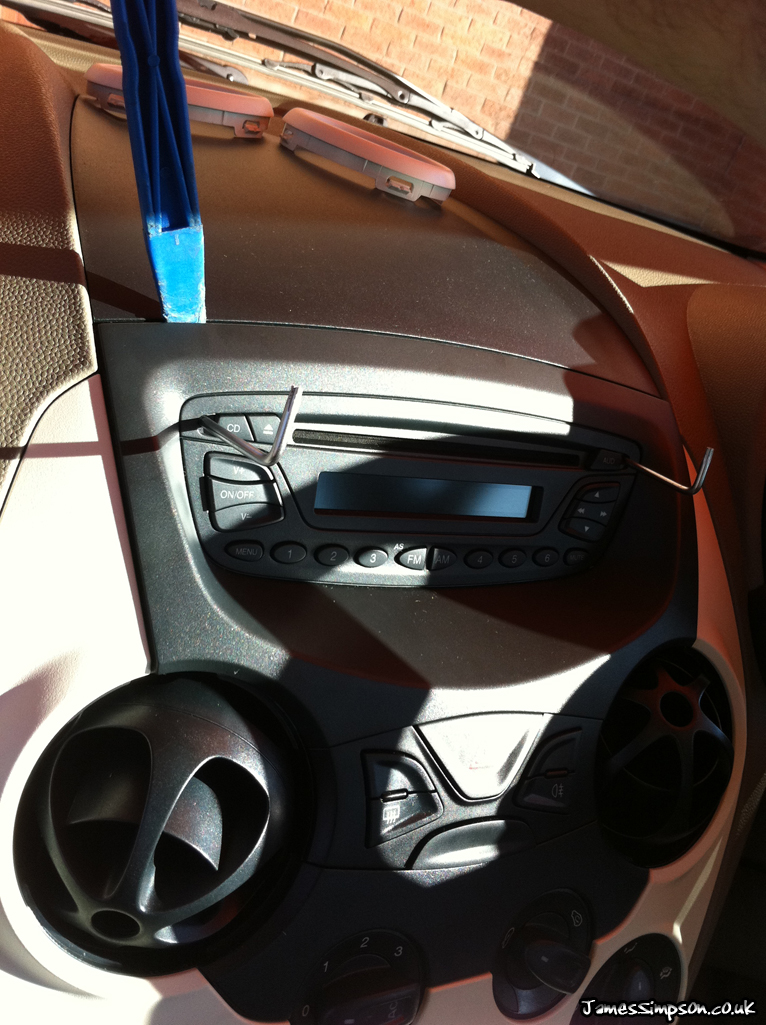
Again using your Bojo tool, run the tool around the gap of the top of the stereo, and gently prise the stereo out
5.
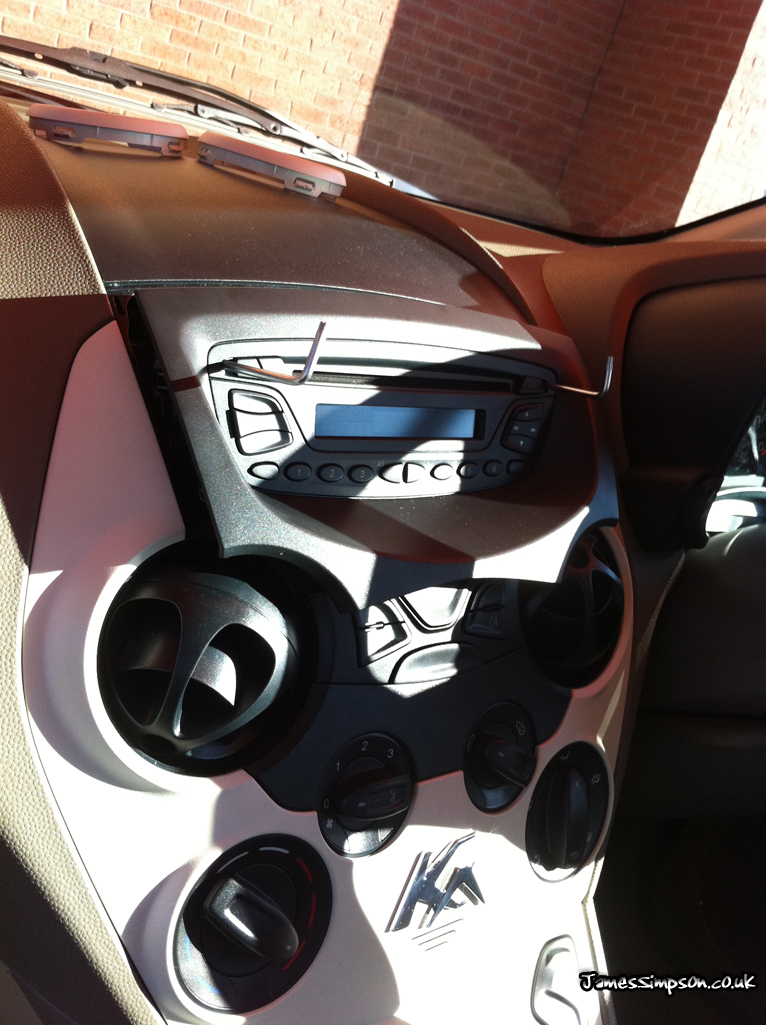
Your stereo should now be free to remove and fit your new stereo or hands free device
Hi James,
I just bought ford KA , year 2009 and i would like to change the front part of the radio as some buttons are broken. Have you got any advice where to look for new radio front?
Hi James, do you know if the bluetooth module is located behind the stereo as I can’t seem to find a mention of it anywhere online.
Thanks
Hi Richard,
The bluetooth module is usually located behind the glove box from my past experience.
Hi James,
Would you by chance know how to completely remove the dasboard? The lights of the instrument panel are broken and getting it fixed costs 80 euro’s.
Thanks James, I’d been looking for specific keys for this, it’s great to find I don’t need them….now just need that fascia panel to arrive and I’m all set!
Hi where do u find n iso lead to replace the original as I cant find any anywhere
Any help much appreciated
Hi James! Thanks for the tutorial! I don’t suppose you could tell me which wiring loom adapter I would need to fit my aftermarket stereo headunit? PURE Highway h240Di? Cheers!
But – do we need any special fascia/faceplate when replacing the radio? It doesn’t look like a standard size/shape
I’ve got a question about the anti-theft ssytem in these radios that nobody seems to mention. I’m the 3rd owner of my focus so there is no way I can trace it back and find out who the dealer is to get the code, and the guy I bought it from doesn’t know it. If I disconnect the car battery before disconnecting the radio would that prevent the anti-theft ssytem from working?
Any ford dealership should be able to provide you with the information you require – if not, you will be able to get the stereo de-coded by any professional stereo decoder store
Tnx for the tutorial
Martijn
Holland
No problem. I’m here to help :)